Hugging Face ML Intern 入门
Hugging Face ML Intern 是开源 CLI Agent:用自然语言描述 ML 任务,它读文档、搜 GitHub、写脚本、启训练、查结果、迭代发布。本文讲安装、交互/无头模式、首次运行示例与常见踩坑。
ML Intern 是什么
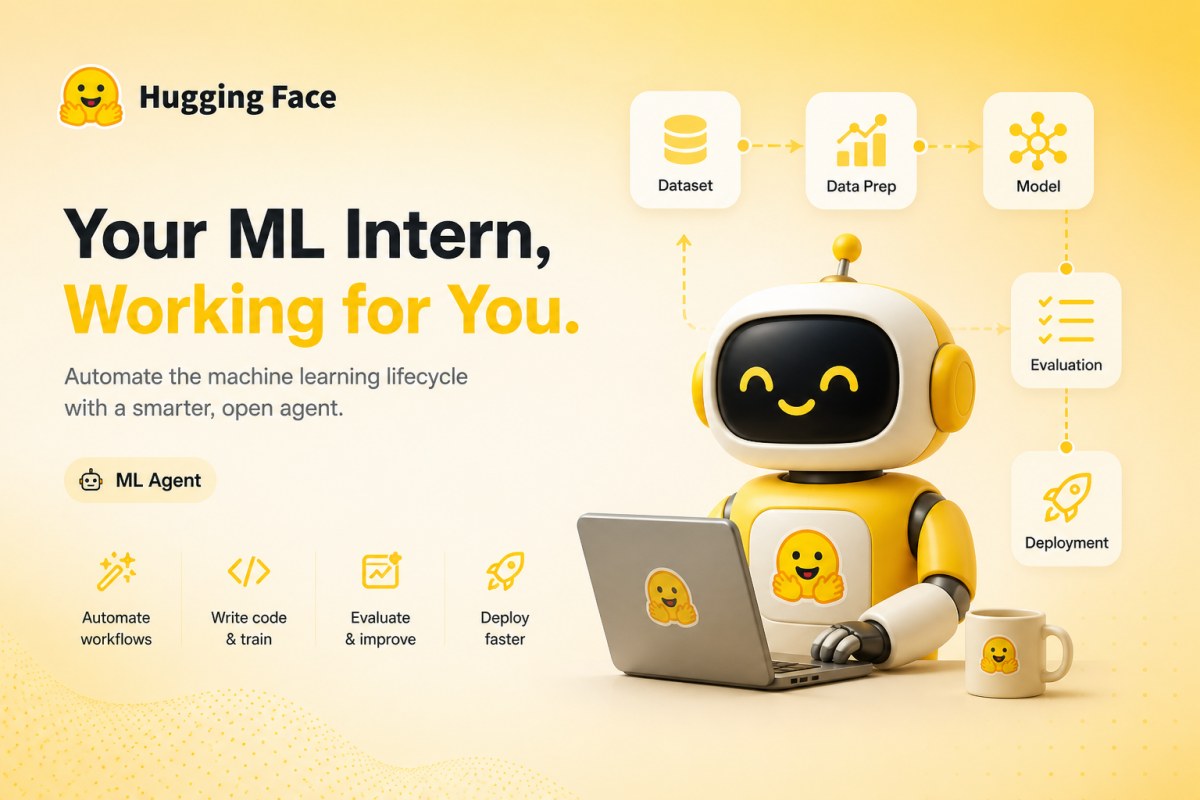
ML Intern 是 Hugging Face 的开源 CLI Agent:用大白话描述机器学习任务——微调模型、啃论文、开训练跑——它做初级 ML 工程师常干的活:读文档、搜 GitHub、写脚本、启任务、看结果、再迭代。
全栈 Hugging Face:搜 Hub/arXiv 论文、操作数据集、用 HF Jobs 起 GPU 训练、Trackio 记实验、完成后把模型推回 Hub。底层 smolagents,模型调用走 Inference Providers 或本地端点。
更像「有 shell 和 HF 账号的研究实习生」,而非只会吐一段代码的 ChatGPT。仓库:huggingface/ml-intern,可改、可接 CI。
为什么有用
真实 ML 研究从不线性:读文献 → 追引用 → 找近似数据集 → 改两次 dataloader → 训练 → 发现评估错了 → 再训。ML Intern 自动化大量重复 setup,让你专注研究决策。
Unlike 传统聊天机器人,它不会答完就停,而是迭代循环。HF 公布在小 Qwen 上约 10 小时内 GPQA 从约 10% 提到约 32%——说明设计目标是持续推进,而非写一份脚本就收工。
前置条件
| Token | 用途 | 权限建议 |
|---|---|---|
HF_TOKEN |
Hub、Inference、GPU 沙箱、训练任务 | Write(要上传)或 Read(仅探索) |
GITHUB_TOKEN |
搜公开仓库找参考实现 | 只读公开库 |
无 HF_TOKEN 时 CLI 首次启动会提示;全本地模型可例外。
安装
git clone git@github.com:huggingface/ml-intern.git
cd ml-intern
uv sync
uv tool install -e .
ml-intern --help
在 .env 或 shell 中配置:
HF_TOKEN=hf_your_token_here
GITHUB_TOKEN=ghp_your_token_here
两种模式
交互模式
ml-intern聊天会话:规划步骤、危险操作前征求批准、可随时 /model 换模型。
新手 Prompt 示例:
- 「在 Hub 找一个小分类数据集,用 datasets 库演示加载。」
- 「总结这篇论文并列出数据集:[arXiv 链接]」
- 「为 Qwen2.5-0.5B 写最小 LoRA 微调脚本,用小公开数据集,先别启动训练。」
无头模式(适合 CI)
ml-intern "fine-tune llama on my dataset"
ml-intern --max-iterations 100 "your prompt"
ml-intern --no-stream "your prompt"          # CI 日志更干净
ml-intern --sandbox-tools "test in GPU sandbox"
ml-intern --model moonshotai/Kimi-K2.7-Code:novita "your prompt"
首次运行:加载数据集
用小任务熟悉流程——找 Hub 上的 rotten_tomatoes 并写 loader,不训练。
交互模式 Prompt:
Find the rotten_tomatoes dataset on the Hub and write a short Python script that loads it with datasets and prints the first example. Save it to load_dataset.py. Do not run training.
Agent 会定位 cornell-movie-review-data/rotten_tomatoes,写出脚本并说明列含义(text、label 0/1)与如何运行。
from datasets import load_dataset

ds = load_dataset("cornell-movie-review-data/rotten_tomatoes")
print("Dataset splits:", list(ds.keys()))
print(ds["train"][0])  # label: 0=negative, 1=positive
无头模式 一条命令跑完,自动批准各步,适合已知目标不需中途 steering。
本地模型
不想用 Inference Providers 时,连本机 OpenAI 兼容服务:
ml-intern --model ollama/llama3.1:8b "Summarize the README."
ml-intern --model vllm/meta-llama/Llama-3.1-8B-Instruct "Your prompt"
环境变量:
LOCAL_LLM_BASE_URL=http://localhost:8000
LOCAL_LLM_API_KEY=optional
极小本地模型适合探索与写脚本;复杂多步训练管道需要更强推理模型。
工作原理要点
- 默认最多约 300 轮迭代;危险操作会暂停等你批准
- 内置 HF 生态工具:文档、数据集、仓库、论文、Jobs;另有 GitHub 搜索、本地文件、MCP
- doom loop detector:抓重复相同参数的工具调用
- 会话可自动上传到 Hub 私有数据集
{username}/ml-intern-sessions,用 Agent Trace Viewer 调试 /share-traces private或public控制 trace 可见性
常见踩坑
- Prompt 要具体:「Fine-tune llama」太虚;「Fine-tune meta-llama/Llama-3.2-1B on imdb,LoRA,max 1 epoch,不 push Hub」更好
- 训练与沙箱花钱——别首次运行就无脑批准
- 实验时设
--max-iterations,避免默认 300 轮烧算力 - 异常时查 Hub 上的 session trace,相当于黑匣子
下一步
ML Intern 不替代你的判断——仍要读训练日志、 sanity-check 评估。但若你常对着空白 train.py 发呆,有个熟 Hub 的「实习生」是很好的第一步。
- 浏览 GitHub 仓库与 examples
- 在
agent/core/tools.py加自定义工具后uv tool install -e . --force - 通过
configs/cli_agent_config.json接 MCP 服务器 - 设
SLACK_BOT_TOKEN+SLACK_CHANNEL_ID收完成通知
运行 ml-intern,先给个小任务,看它怎么做——这就是入门玩法。
评论
登录 后发表评论
暂无评论,快来抢沙发吧。